Customizing the Magic Page (New Tab page)
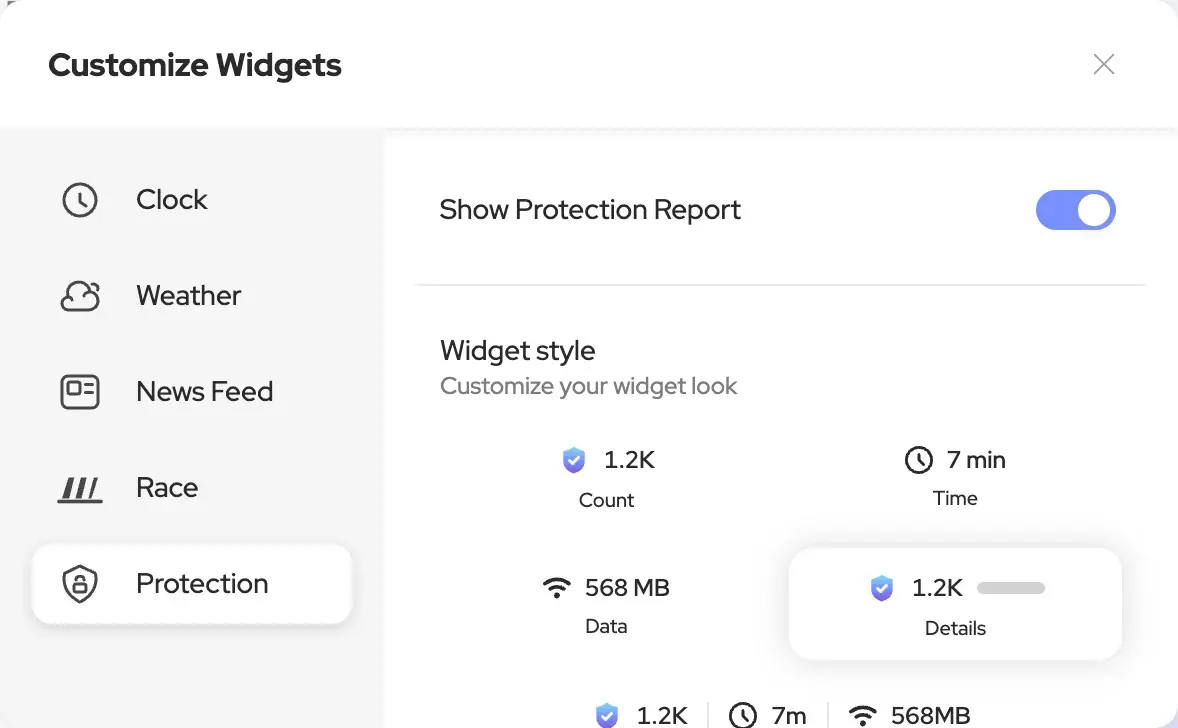
The Magic Page is Neo’s New Tab page: it’s what you see every time you open a new tab. The Magic Box sits in the middle, ready for a search or a question. Around it you can show a clock, the weather, your protection report and your news feed.
How to
- On the Magic Page, click the Customize Widgets icon at the bottom right.
- Pick a widget from the tabs at the top: Clock, Weather, News Feed, Race or Protection.
- Turn it on or off, and change its options.